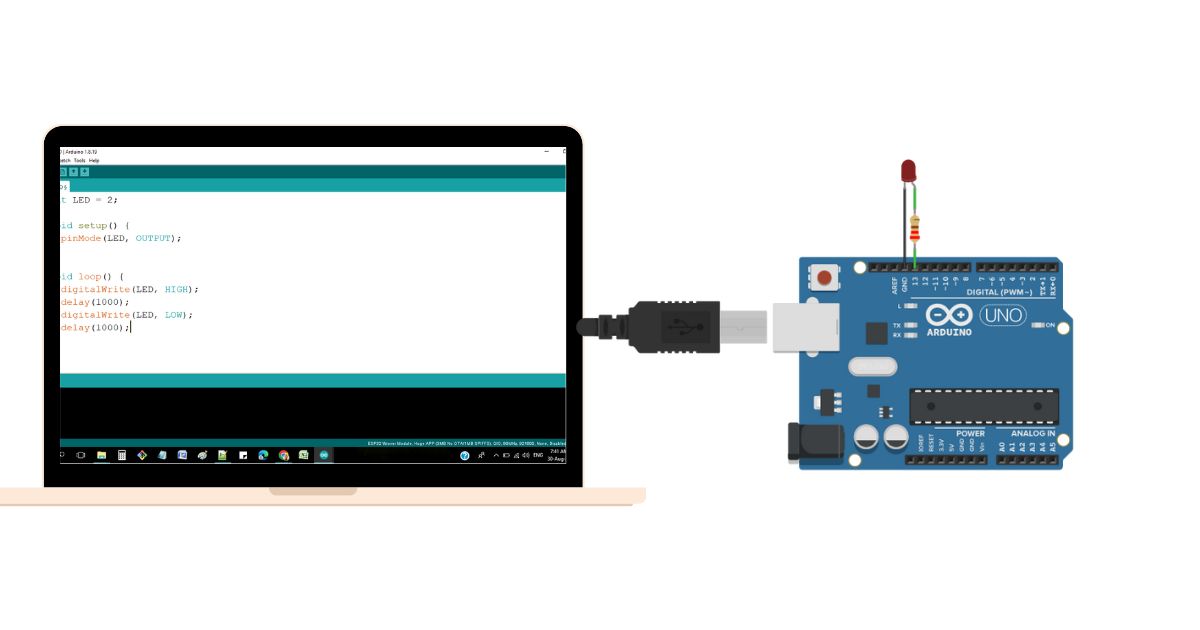
Imagine a home where lights turn on as you walk in, your thermostat keeps every room comfortable, and you control everything with a tap on your phone, no matter where you are. This is the power of a smart home, and you can build it today with the ESP32 and Arduino IoT Cloud. These affordable, powerful tools simplify home automation, letting you control lighting, monitor temperature and humidity, and automate tasks without needing advanced skills or a big budget. The ESP32, a compact microcontroller with built-in Wi-Fi and Bluetooth, pairs seamlessly with the Arduino IoT Cloud’s user-friendly platform, helping you create a connected home tailored to your needs. This guide kicks off your smart home journey with a beginner-friendly project to control a light and track room conditions. Whether you’re new to IoT or an experienced maker looking for a streamlined cloud solution, this article equips you to transform your home, boost energy efficiency, and unlock a world of automation possibilities.
Updated Prerequisites
To start building your smart home with the ESP32 and Arduino IoT Cloud, you’ll need a few essential hardware and software components.
Hardware
- ESP32 Development Board: The project’s core, with built-in Wi-Fi and Bluetooth ideal for IoT applications. Models like the ESP32-WROOM-32 and ESP32-S3 are available, but beginners should choose the ESP32 DEVKIT V1 for its simplicity and detailed documentation. Source these from online platforms like AliExpress, Amazon, or local electronics retailers.
- Smart Light: Use a standard 5mm LED. Advanced options, like RGB LEDs or WS2812B addressable LEDs, enable dynamic lighting effects for future projects and are available from the same retailers.
- 220Ω Resistor: Crucial to protect the LED from excessive current, calculated using Ohm’s Law for the ESP32’s 3.3v output and the LED’s forward voltage.
- Temperature and Humidity Sensor:
- DHT11: With ±2°C temperature accuracy and ±5% humidity accuracy, 1-second sampling rate.
- DHT22: With ±0.5°C temperature and ±2% humidity accuracy, samples every 2 seconds.
- BME280: Measures barometric pressure with superior accuracy.
- Jumper Wires and Breadboard: For prototyping secure circuits, available affordably from electronics retailers.
- USB Cable: Connects the ESP32 to your computer for programming.
Software
- Arduino IoT Cloud Account: A Free account is required for remote ESP32 control, limited to five variables in the free plan.
- Arduino IDE: Compatible with Windows (10 or newer), macOS (10.15 or newer), or Linux (64-bit).
- Computer: For programming and managing the ESP32.
Setting Up the Development Environment
Your smart home journey begins with setting up the development environment, a critical step to program the ESP32 using the Arduino IDE. This process is straightforward but requires attention to ensure smooth operation.
- Download Arduino IDE:
- Visit the official Arduino website to download Arduino IDE 2.3.6, released in April 2025. This version offers a faster interface, autocompletion, code navigation, and a live debugger, improving on earlier releases.
- Follow the installation instructions for Windows, macOS, or Linux. Stick with the stable version for reliability, though nightly builds offer cutting-edge features.
- Advanced users can explore the Arduino CLI for command-line development.
- Add ESP32 Support:
- Open the Arduino IDE, go to File > Preferences, and paste this stable link into the “Additional Boards Manager URLs” field:
https://espressif.github.io/arduino-esp32/package_esp32_index.json - This ensures dependable operation. Click “OK,” then navigate to Tools > Board > Boards Manager, search for “ESP32,” and install “esp32 by Espressif Systems” (version 3.2.0, based on ESP-IDF 5.4.1).
- After installation, close Boards Manager, go to Tools > Board > esp32, and select “ESP32 Dev Module” or your board model.
- Verify the URL and ESP32 core version to avoid errors. Some ESP32 boards may need a specific board definition from the “esp32” submenu.
- Open the Arduino IDE, go to File > Preferences, and paste this stable link into the “Additional Boards Manager URLs” field:
- Troubleshooting:
- If the ESP32 isn’t detected, install drivers like CP210x or CH340 from their manufacturers’ websites (e.g., Silicon Labs for CP210x).
- If the ESP32 package installation fails, check your internet, restart the IDE, and confirm the URL.
- For persistent issues, consult Espressif’s ESP32 installation guide.
- Older systems, like Windows 8.x 32-bit, may need an older ESP32 core (1.0.6) for compatibility.
Conclusion
You’re now ready to dive into your smart home project with the ESP32 and Arduino IoT Cloud. With the right components and a configured development environment, you’re set to build a system that controls lights and monitors room conditions. In the next article, you’ll learn to connect hardware, explore alternative IoT platforms, and write the code to bring your smart home to life. Continue to build your system in the next article, where you’ll connect hardware and code your ESP32. Start gathering your tools and get ready to create!